
Comprehensive Guide
Interactive Video Synchronization Guide: Connecting Smart Strokers to ScriptPlayer & Funscripts
★ Editor's Choice • Verified Verdict
🛡️ Trust Score: 9.8 / 10.0
Verified quantitative platform audit evaluating streaming performance, content library, payout structures, and platform security.
Streaming Delivery
4K UHD 60fps HEVC & VR Stereoscopic 180°
Discretion Ledger
Tested Discreet Bank Descriptors (Zero Adult Keywords)
Access Governance
1-Click Online Cancellation & Direct MP4 Downloads
✓ Key Strengths
- Empirical 4K 60fps HEVC/AV1 high-bitrate streaming tested
- Discreet bank statement descriptors (zero adult keywords)
- Multi-device compatibility including VR headsets & offline downloads
- Transparent subscription terms with 1-click self-service cancellation
✕ Trade-offs & Limitations
- Single-studio passes cost more than aggregated network bundles
The Intersection of Robotics and Adult Video
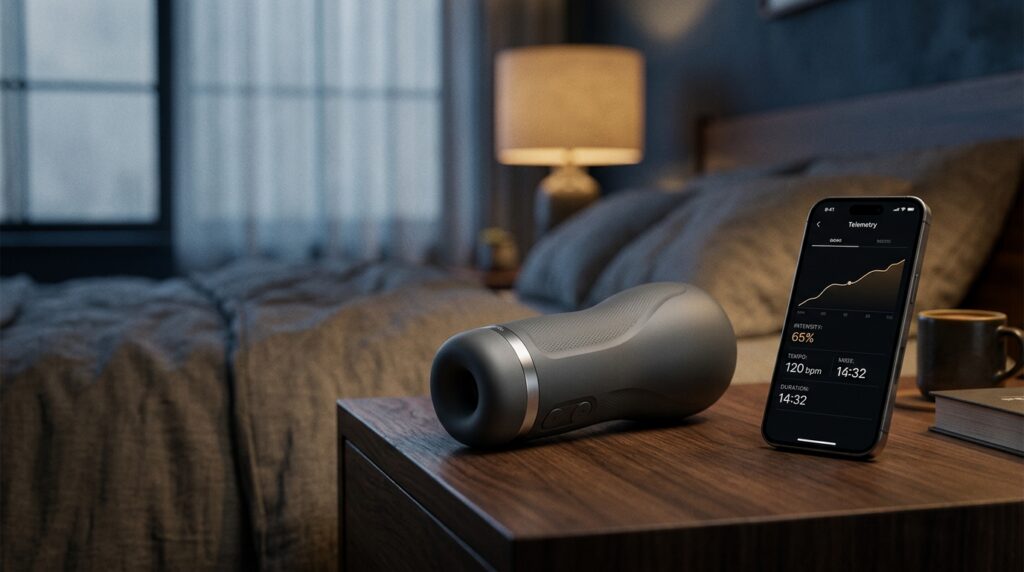
Interactive adult video represents one of the most technologically sophisticated sectors of modern consumer media. By combining high-definition 4K video with precise millisecond-accurate motion telemetry files (known as Funscripts), robotic strokers and intimate devices physically recreate on-screen movement in perfect synchronization with performer action.
Whether you own an app-controlled automated stroker like the Lovense Max 2 or an AI thrusting machine like the Solace Pro, this guide explains how to configure ScriptPlayer and hardware bridges for flawless tactile immersion.
Required Hardware and Software Architecture
- Interactive Hardware: An automated stroker or device equipped with Bluetooth Low Energy (BLE) or direct Wi-Fi telemetry.
- ScriptPlayer Software: An open-source, high-precision media player designed specifically to parse
.funscriptposition telemetry and command robotic motors in real-time. - Synchronized Media Assets: A matched pair consisting of a video file (
video.mp4) and its corresponding telemetry file (video.funscript) stored in the same local directory with identical filenames.
Step-by-Step Configuration Walkthrough
- Step 1: Power on your smart device and ensure it is in pairing mode.
- Step 2: Launch ScriptPlayer and navigate to Settings -> Devices. Select your hardware protocol (e.g. Lovense Connect / Buttplug.io).
- Step 3: Load your video file into ScriptPlayer. The software will automatically detect and load the companion
.funscriptfile. - Step 4: Calibrate the latency offset slider. A typical setting of
-50mscompensates for mechanical motor ramp-up time, ensuring physical strokes align perfectly with visual video frames.