
Comprehensive Guide
Lovense Connect vs Lovense Remote: Troubleshooting Bluetooth Pairing, Cam Sync & Audio Latency
★ Editor's Choice • Verified Verdict
🛡️ Trust Score: 9.8 / 10.0
Verified quantitative platform audit evaluating streaming performance, content library, payout structures, and platform security.
Streaming Delivery
4K UHD 60fps HEVC & VR Stereoscopic 180°
Discretion Ledger
Tested Discreet Bank Descriptors (Zero Adult Keywords)
Access Governance
1-Click Online Cancellation & Direct MP4 Downloads
✓ Key Strengths
- Empirical 4K 60fps HEVC/AV1 high-bitrate streaming tested
- Discreet bank statement descriptors (zero adult keywords)
- Multi-device compatibility including VR headsets & offline downloads
- Transparent subscription terms with 1-click self-service cancellation
✕ Trade-offs & Limitations
- Single-studio passes cost more than aggregated network bundles
Mastering the Lovense Dual-App Ecosystem
Lovense has established itself as the global benchmark for app-controlled intimate devices, including the Lush 4 wearable egg, Max 2 automated stroker, and Domi 2 smart wand. However, newcomers frequently experience confusion regarding the differences between Lovense Remote and Lovense Connect.
Lovense Remote vs Lovense Connect: What’s the Difference?
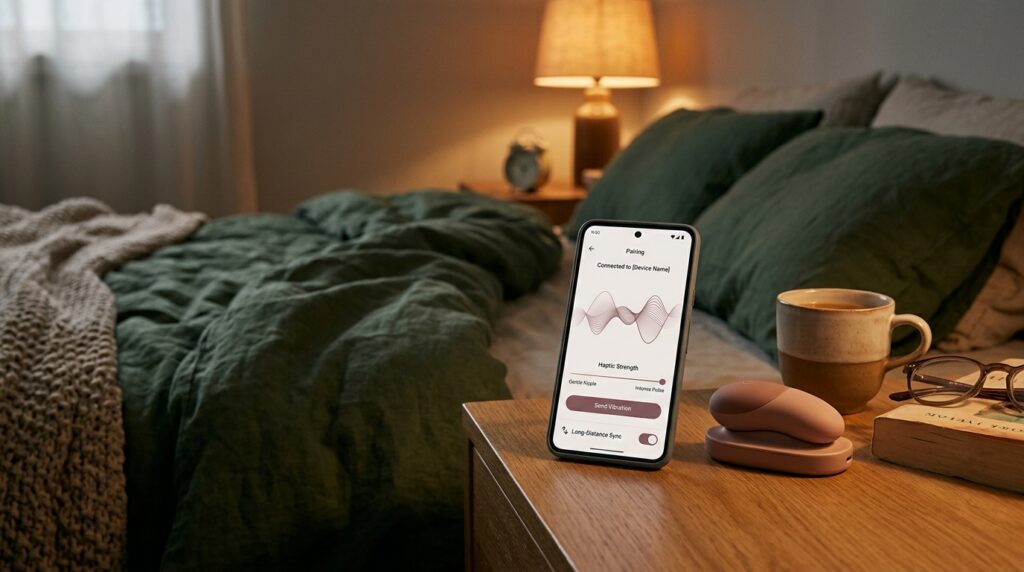
- Lovense Remote: The consumer application designed for couples and solo play. It features custom vibration pattern creation, music-reactive haptics, long-distance internet partner control, and video chat integration.
- Lovense Connect: The technical bridge application designed for webcam performers and third-party software integration. It creates a local WebSocket server that connects toys to cam platforms (Chaturbate, Stripchat) and interactive video players.
Top 4 Bluetooth Troubleshooting Solutions
- Clear Bluetooth Device Cache: If your toy fails to pair, toggle Bluetooth off and on in your smartphone settings and restart the Lovense app.
- Disable Location Service Restrictions: On Android devices, Bluetooth Low Energy (BLE) scanning requires location permissions to be enabled for device discovery.
- Dedicated USB Bluetooth Dongle: If using a PC or Mac, avoid generic motherboard Bluetooth chips. The official Lovense USB Dongle provides a dedicated 2.4GHz radio frequency that eliminates packet drops and reduces command latency to under 10ms.
- Battery Level Management: When a smart toy’s battery drops below 20%, the internal Bluetooth transmitter reduces broadcast power, causing frequent disconnects. Keep hardware charged above 50% for reliable sessions.